Pocket Casts
将你的私有 Bri Podcast feed 添加到 Pocket Casts。
将你的私有 Bri Podcast feed 作为手动 RSS 订阅添加到 Pocket Casts。
步骤
-
打开 Bri 并登录。
-
在账户中开启 private Podcast feed。
-
复制 Podcast URL。
-
登录 Pocket Casts,并打开 pocketcasts.com/podcasts。
-
将 Bri Podcast URL 粘贴到搜索框,然后选择
Find podcast by URL。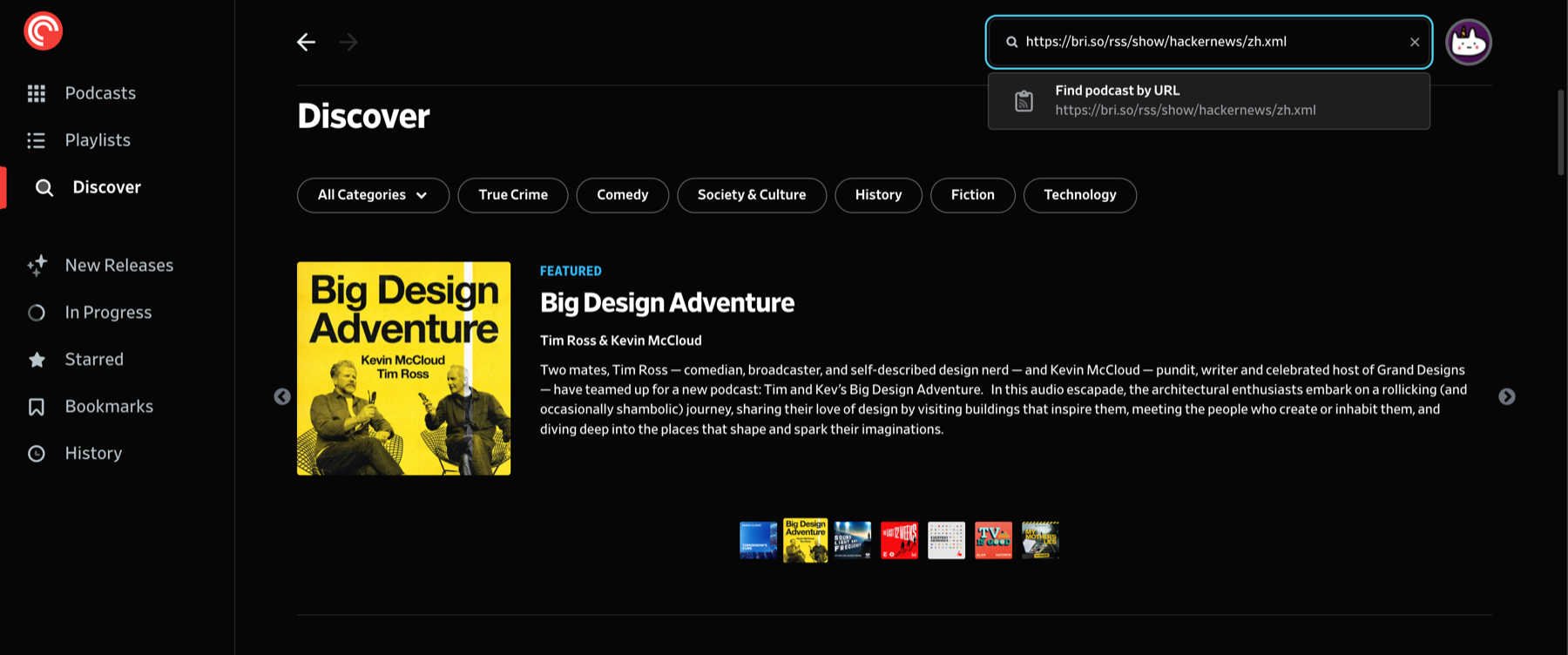
-
进入播客页面后,点击
Follow。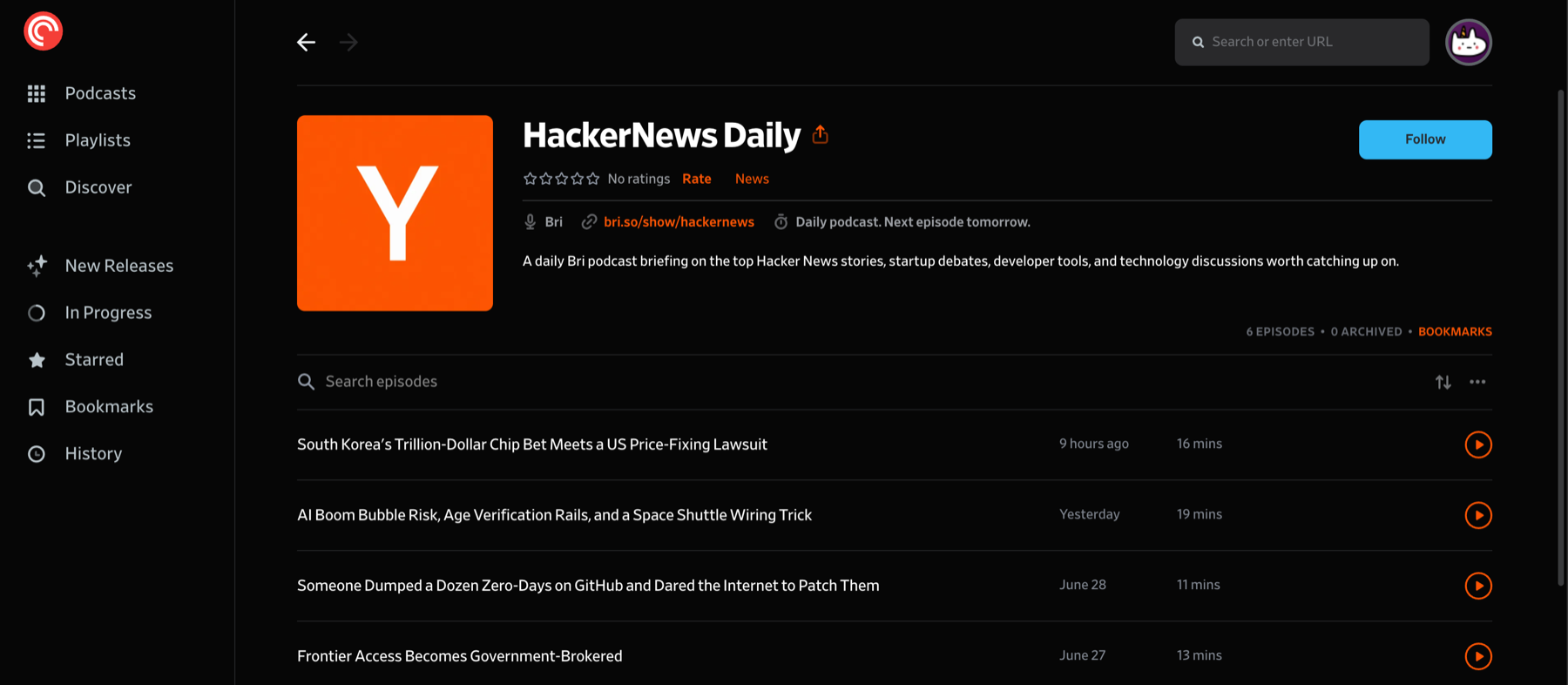
刷新行为
Bri 会在新的 Podcast 音频可用后立即发布 feed。Pocket Casts 会按自己的计划刷新订阅。