Migration
Export Feedly OPML and Turn Feeds into a Podcast
Export Feedly subscriptions as OPML, import them into Bri, and turn trusted feeds into a Podcast.
Export your Feedly subscriptions as OPML, import them into Bri, and turn those trusted feeds into a Podcast.
Steps
-
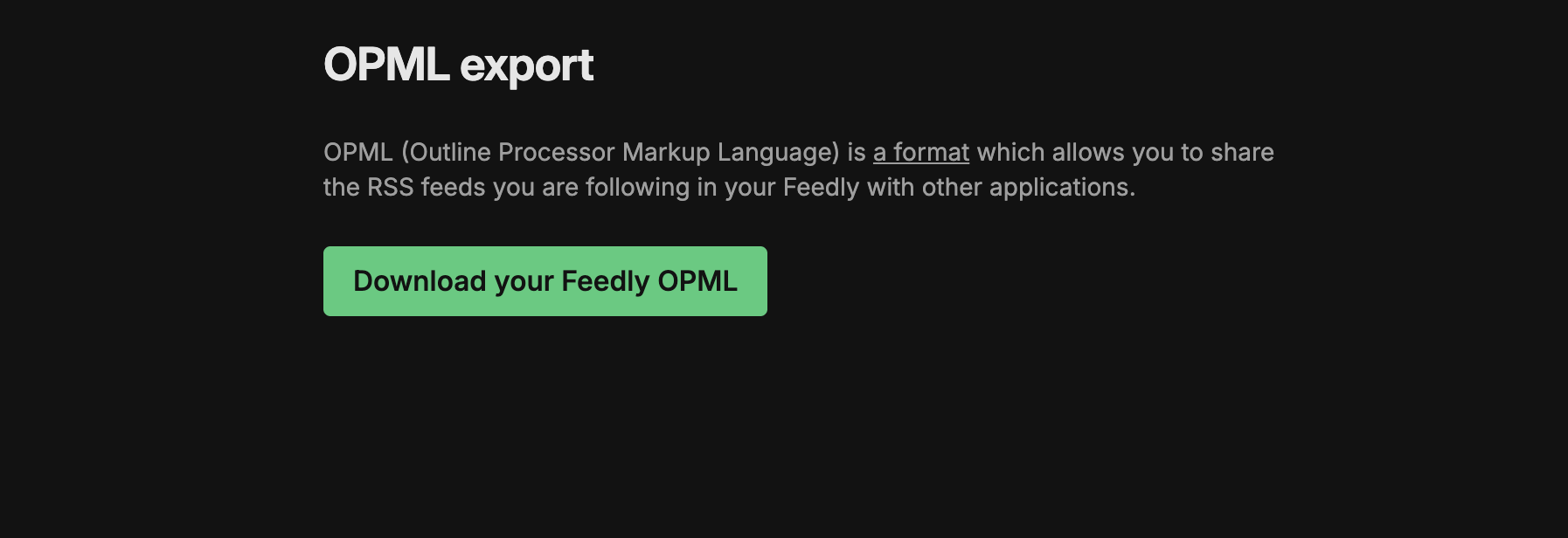
Open Feedly OPML export while signed in to Feedly.
-
Select Download your Feedly OPML and save the OPML file.
-
Open Bri, sign in, and return to the home page.
-
Open Subscriptions, choose Import OPML, and upload the Feedly OPML file.
-
Review the import summary and imported Subscriptions.
What Feedly exports
Feedly's OPML export contains public RSS feed subscriptions. It does not include Boards, Read Later articles, AI Feeds, or Reddit feeds.
Turn imported feeds into a Podcast
After the import, create a Podcast from your Subscriptions. Learn how Bri turns RSS feeds into a Podcast.