Pocket Casts
Add your private Bri Podcast feed to Pocket Casts.
Add your private Bri Podcast feed to Pocket Casts as a manual RSS subscription.
Steps
-
Open Bri and sign in.
-
Turn on the private Podcast feed in your account.
-
Copy the Podcast URL.
-
Sign in to Pocket Casts and open pocketcasts.com/podcasts.
-
Paste the Bri Podcast URL into search and choose
Find podcast by URL.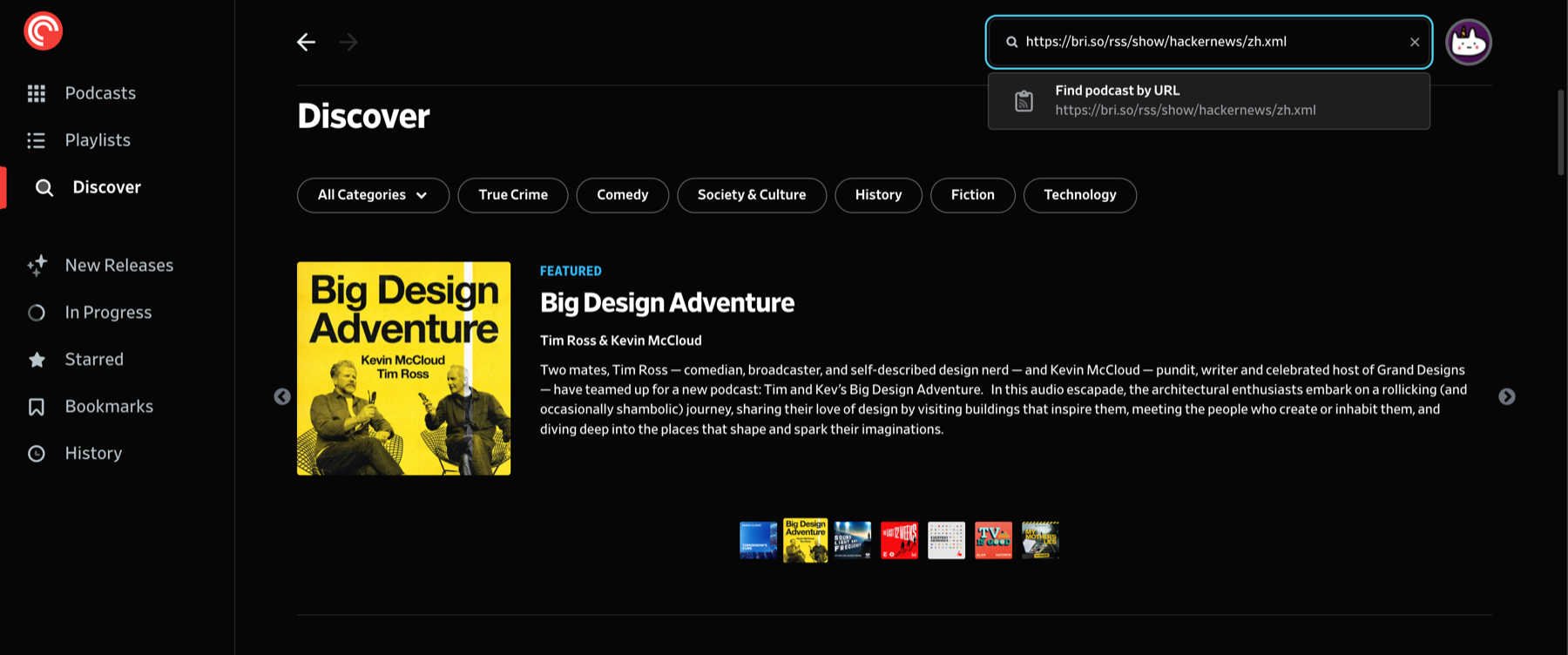
-
On the podcast page, click
Follow.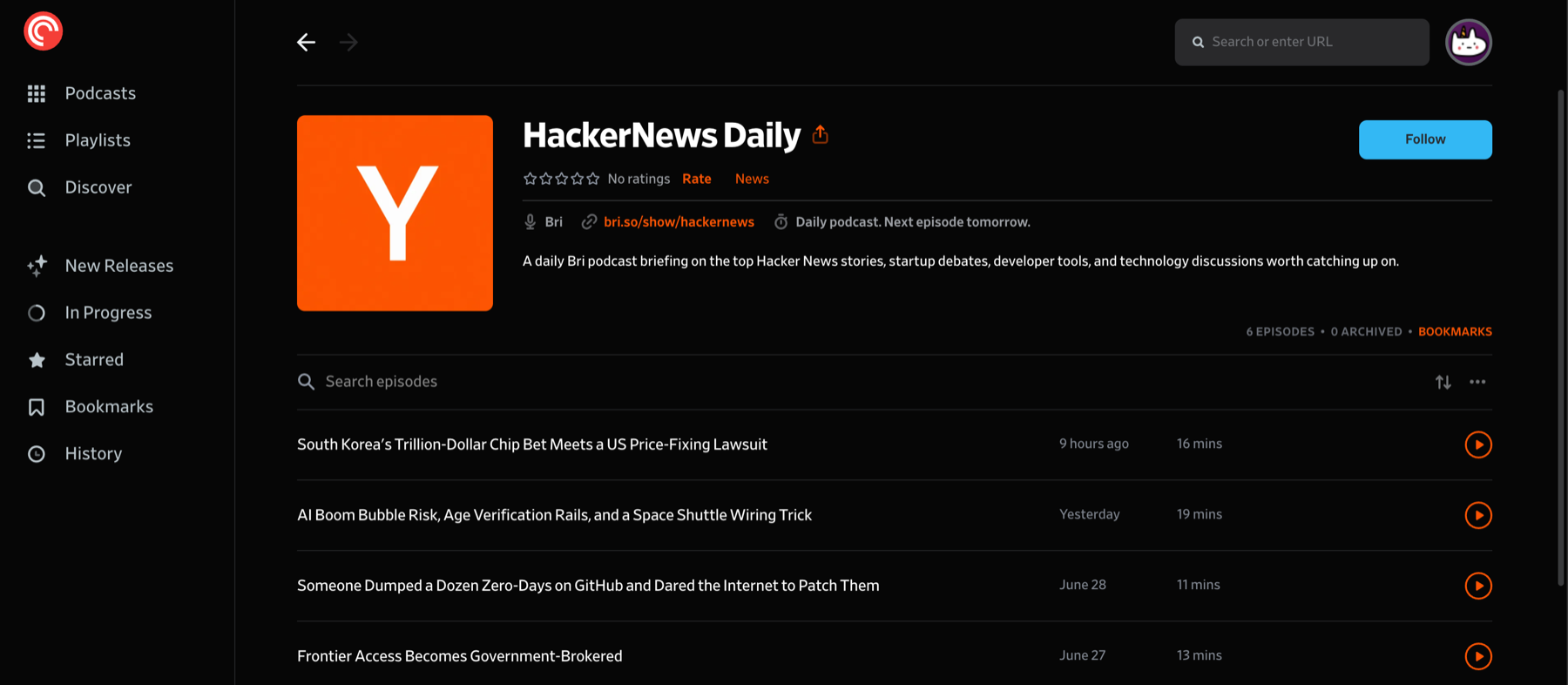
Refresh behavior
Bri publishes the feed immediately after new Podcast audio is available. Pocket Casts refreshes subscriptions on its own schedule.